5 Awesome AppFlowy Alternatives
 Yulei Chen
AppFlowy is an open-source, AI-powered collaborative workspace that positions itself as a privacy-first alternative to Notion. Built with Rust and Flutter, it offers documents, databases, kanban boards, and AI features — all while letting you keep full control of your data. AppFlowy Cloud pricing starts at $10/user/month (billed annually) for the Pro plan, which includes unlimited storage and AI responses. The free tier gives you 5 GB storage and 2 members.
The good news? You can self-host AppFlowy for just €9 per month with Sliplane — one click, no server management needed.
But maybe AppFlowy isn't quite the right fit. Maybe you need a whiteboard-first workspace, a decentralized privacy tool, or a structured team wiki. Let's look at 5 awesome alternatives!
1. AFFiNE
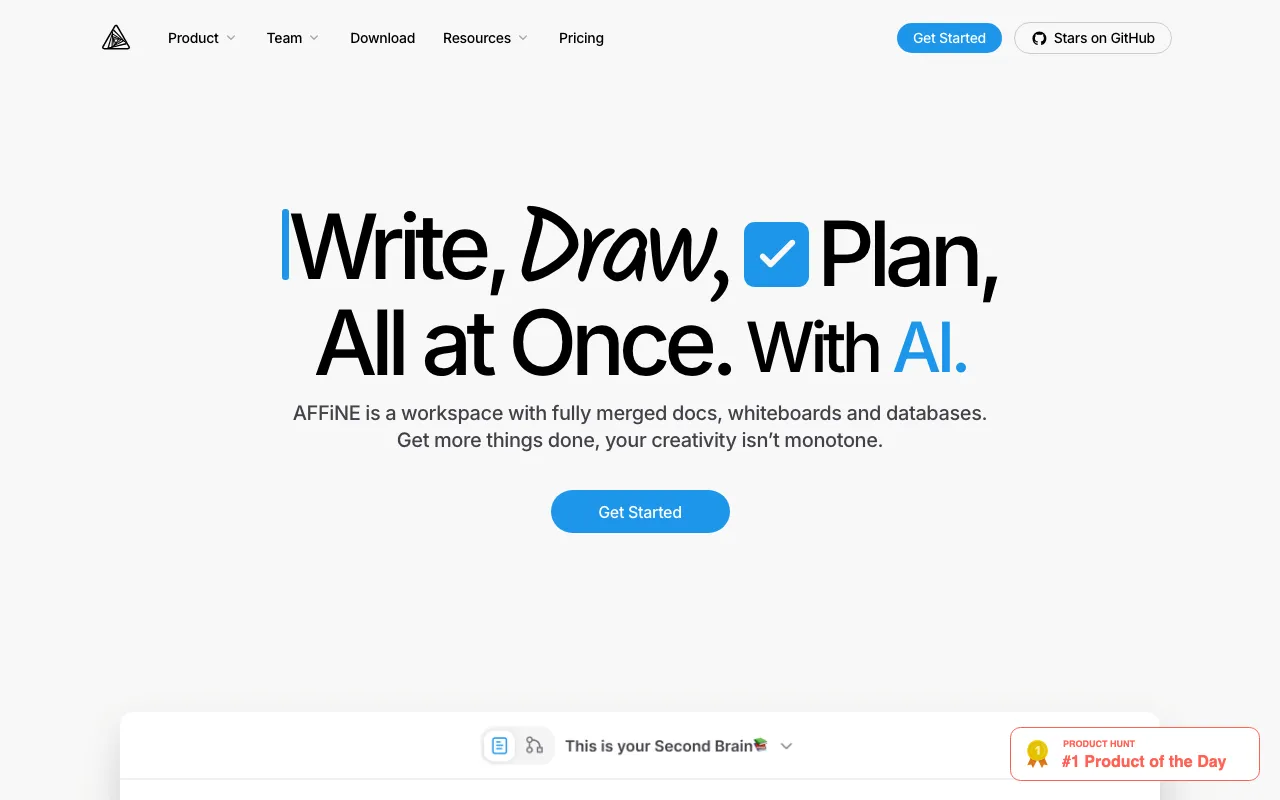
AFFiNE is an open-source workspace that uniquely merges documents, whiteboards, and databases into one tool. Its standout feature is "Edgeless Mode" — you can switch any document into a spatial canvas where paragraphs, images, and cards become movable elements, then flip back to linear document view. If you're a visual thinker who wants docs and diagrams in the same place, AFFiNE is worth a close look.
- Features: Unified docs + whiteboard + database, Edgeless Mode (doc-to-canvas switching), local-first with E2E encrypted cloud sync, AI integration with MCP support, real-time collaboration, version history, cross-platform apps
- Why You Should Use It: If you sketch diagrams, mind maps, or wireframes alongside your notes, AFFiNE is the only tool that does both natively. The whiteboard-document convergence is genuinely unique — no other tool in this list offers it.
- Why Not: The self-hosted version has a hardcoded 3-user limit unless connected to AFFiNE's cloud, which limits its appeal for larger teams. Database features are less mature than AppFlowy's, and mobile apps feel more like viewers than full editors.
- Pricing: Free (open-source); AFFiNE Cloud Pro at $6.75/month (annual) or $7.99/month. Team plan at $10/seat/month. Self-hosting is free but limited to 3 users.
2. Anytype
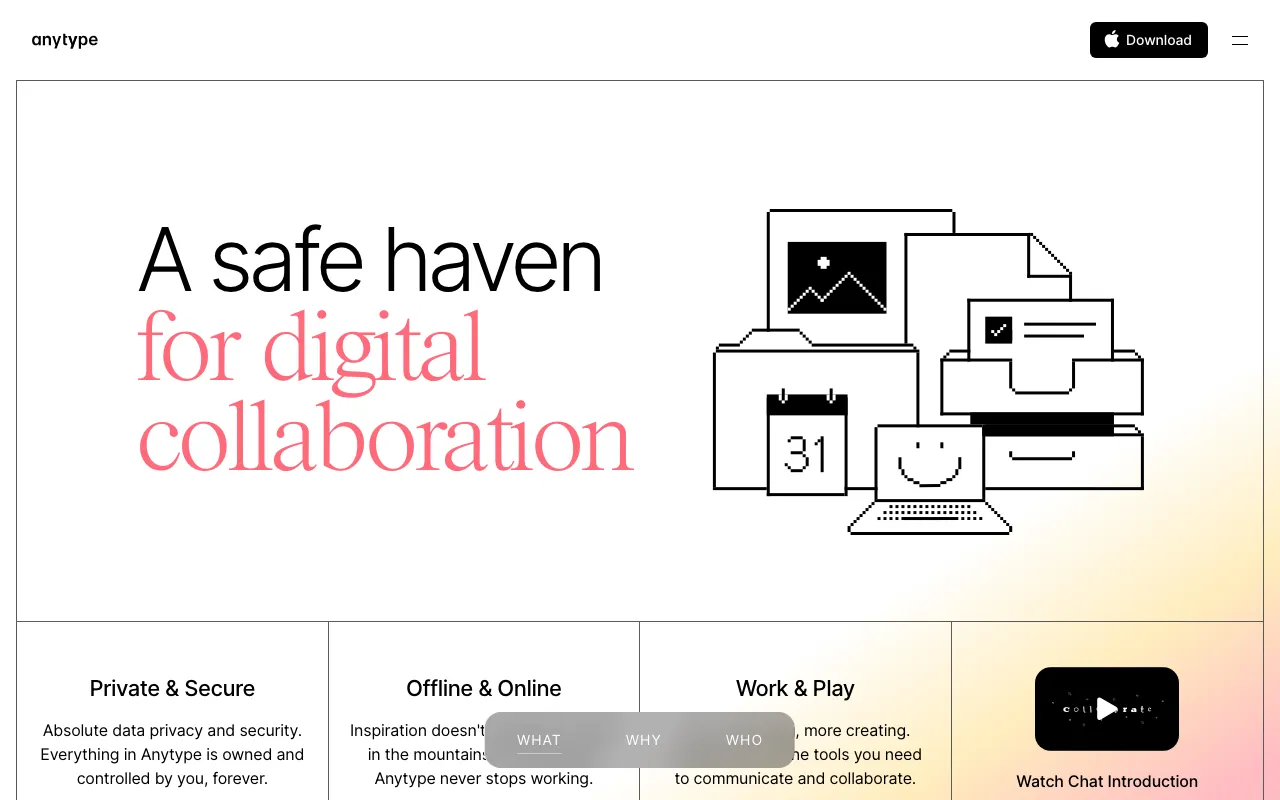
Anytype is a decentralized, local-first workspace built on IPFS and peer-to-peer sync. Instead of files in folders, everything is a connected "Object" — notes, tasks, people, projects — forming a graph of your knowledge. With end-to-end encryption and zero-knowledge architecture, your keys never leave your device.
- Features: End-to-end encryption with zero-knowledge architecture, decentralized P2P sync (no central server), graph-based object model, local API for integration with local LLMs, Shared Spaces for collaboration, ANY Experience Gallery for templates, cross-platform native apps
- Why You Should Use It: If data privacy is your top priority, Anytype offers the strongest guarantees in this category. It's completely free when self-hosted, and the P2P architecture means there's no central point of failure. The graph-based data model is powerful for building interconnected knowledge bases.
- Why Not: The object-oriented paradigm takes getting used to — it's a different mental model than page-based tools like AppFlowy or Notion. Collaboration features (Shared Spaces) are newer and less polished, and the integration ecosystem is small.
- Pricing: Completely free if self-hosted. Plus plan at $5/month (1 GB remote backup), Pro at $10/month (10 GB). Educational discounts available.
3. Outline
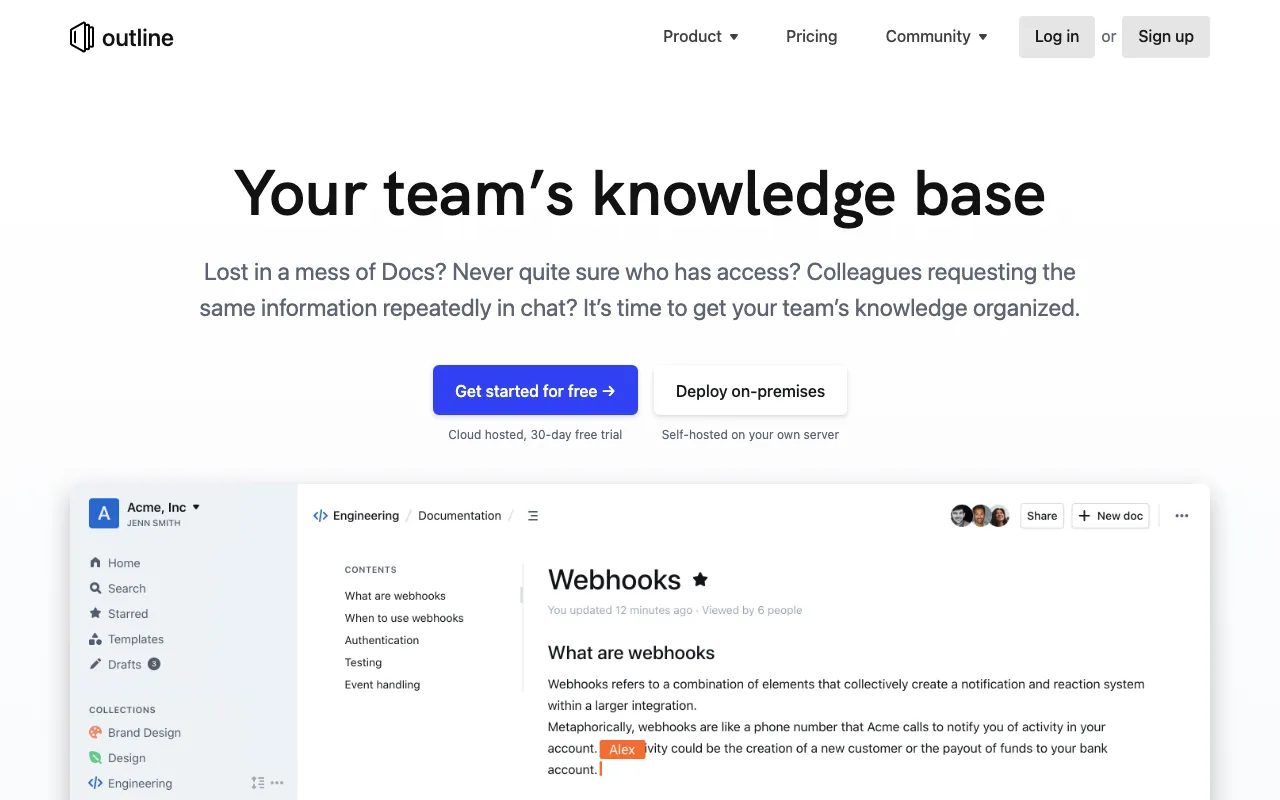
Outline is a modern, open-source team wiki built for internal documentation. It features a clean, Notion-like block editor with real-time collaboration, powerful full-text search, and hierarchical organization into collections. If your main need is a fast, searchable knowledge base for your team, Outline is hard to beat.
- Features: Block-based editor with Markdown and slash commands, real-time collaboration with comments, hierarchical collections with nested documents, full-text search, integrations with Slack/GitHub/Linear/Figma, granular permissions, API access
- Why You Should Use It: Outline has one of the best editing experiences of any wiki tool. It's fast, clean, and focused. If your team primarily needs structured documentation — onboarding guides, runbooks, internal processes — Outline does it better than AppFlowy's more generalist approach.
- Why Not: Outline is a wiki, not a full workspace. No databases, no kanban boards, no project management features. Self-hosting requires PostgreSQL + Redis, and there's no built-in username/password auth — you need a third-party provider (Google, Slack, OIDC).
- Pricing: Free (open-source, BSL); Outline Cloud starts at ~$10/month (Starter), $79/month (Team), $199/month (Business). Self-hosting is free. 30% discount for non-profits and education.
4. Logseq
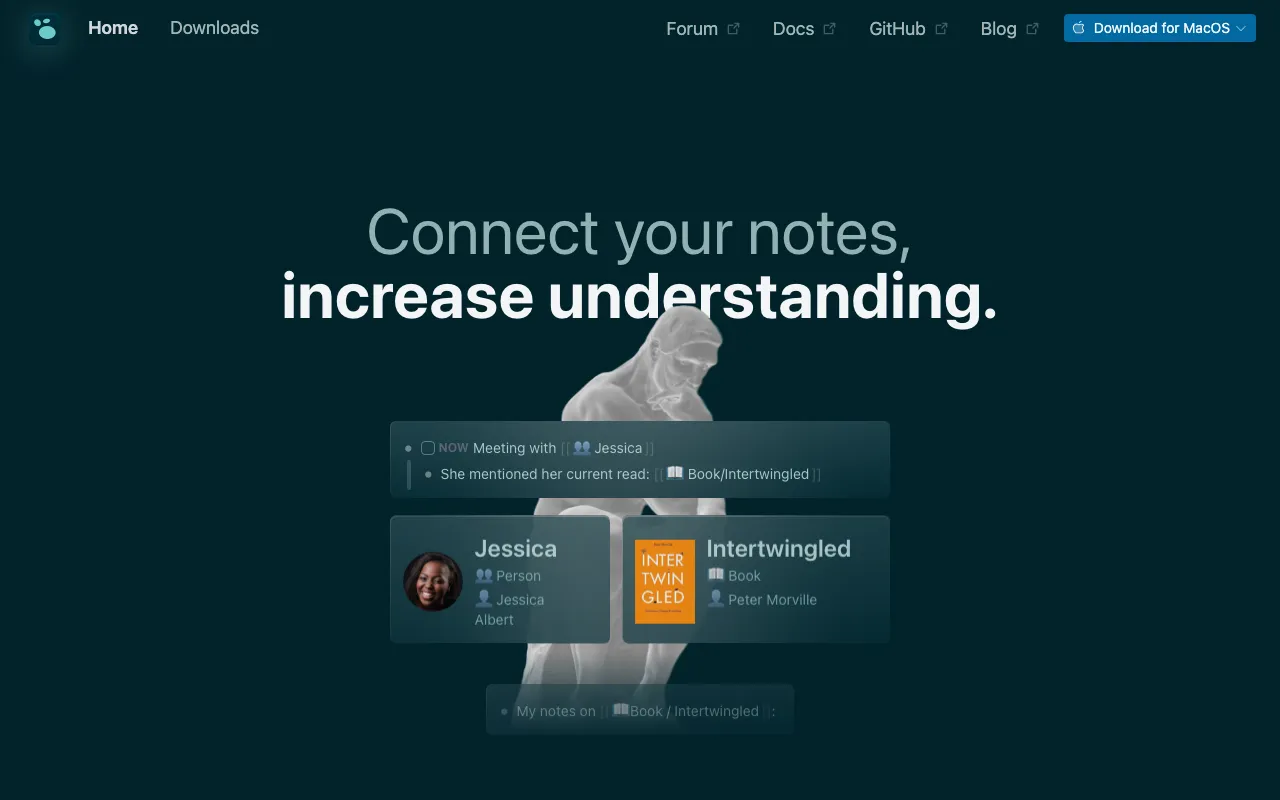
Logseq is a free, open-source knowledge management tool built around outliner-style editing and bidirectional linking. It stores everything in plain Markdown or Org-mode files, making your data always portable. If you love building interconnected notes with daily journals and graph views, Logseq is a powerhouse.
- Features: Outliner-based block editor with bidirectional links, daily journal with auto page creation, graph view for visualizing connections, built-in flashcards with spaced repetition, whiteboards for diagrams, plugin marketplace with hundreds of extensions, Markdown/Org-mode file storage
- Why You Should Use It: For personal knowledge management, research, and networked thinking, Logseq is exceptional. The plain-text storage means your data is truly yours — no proprietary formats, no lock-in. The plugin ecosystem is rich, and the graph view helps you discover connections you didn't know existed.
- Why Not: Logseq is primarily a personal tool with no real multi-user collaboration. There's no official self-hosted sync server — you'd need Git or Syncthing workarounds. The outliner paradigm isn't for everyone, and it doesn't offer databases or project management features like AppFlowy.
- Pricing: Core app is completely free and open-source. Logseq Sync at ~€5/month for E2E encrypted cloud sync. No paid feature tiers — everything is included in the free version.
5. BookStack
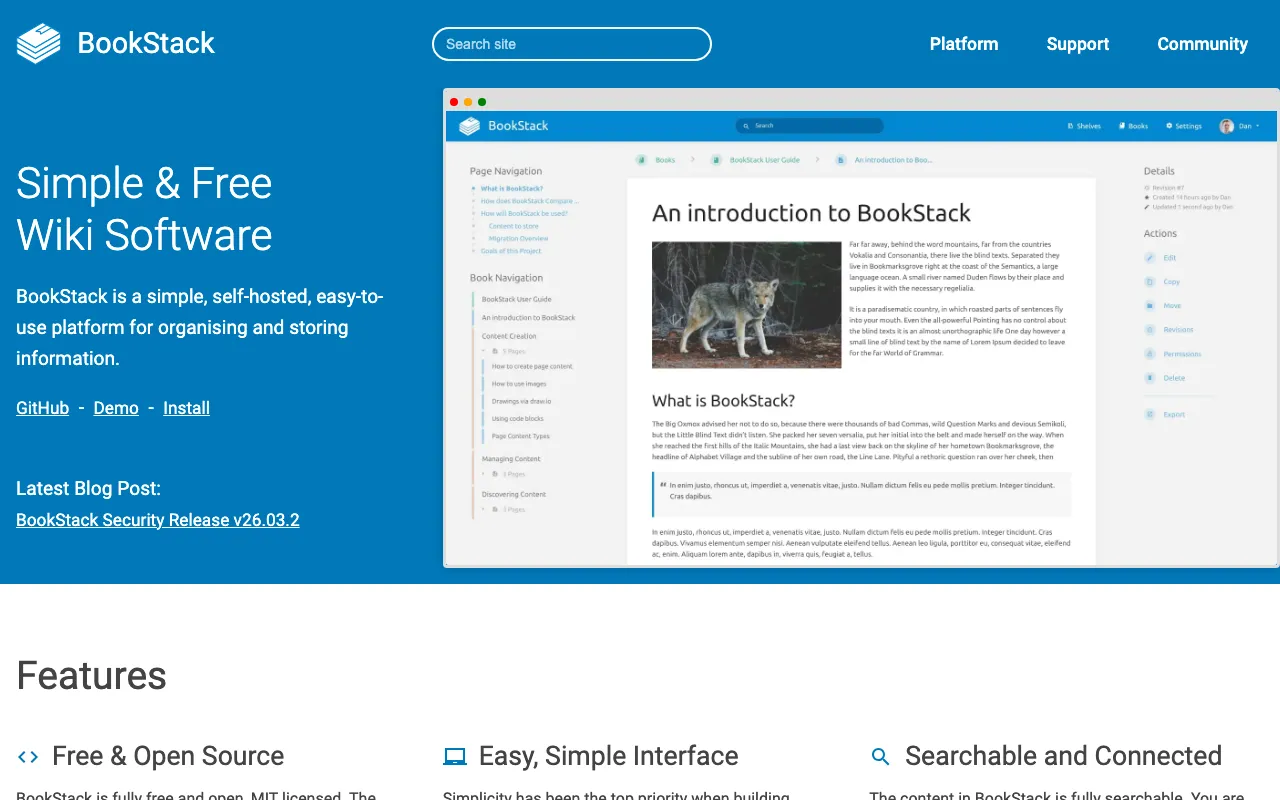
BookStack is a free, open-source wiki platform that organizes content into a familiar library metaphor: Shelves, Books, Chapters, and Pages. Built with PHP/Laravel, it's one of the most well-documented and easiest-to-maintain self-hosted projects out there. If you want a straightforward, structured wiki without the complexity of a full workspace, BookStack delivers.
- Features: Intuitive Shelves > Books > Chapters > Pages hierarchy, WYSIWYG and Markdown editors, role-based access control (RBAC), LDAP/SAML/OIDC authentication, full-text search, multi-language support, API for programmatic access
- Why You Should Use It: BookStack is the most beginner-friendly self-hosted wiki. The library metaphor makes it immediately intuitive for non-technical users, and the resource requirements are tiny (~400-700 MB RAM). It's enterprise-ready with LDAP/SAML auth, and the documentation is some of the best in the self-hosted world.
- Why Not: BookStack is purely a structured wiki — no note-taking workflows, no databases, no kanban boards, no real-time collaborative editing. There's no official cloud-hosted option, so you must self-host. It's also not designed for personal knowledge management or networked thinking.
- Pricing: Completely free. No paid tiers, no feature restrictions, no cloud offering. Self-hosting is the only option.
Conclusion
| Tool | Best For | Ease of Setup | Focus | Cloud Pricing |
|---|---|---|---|---|
| AppFlowy | Open-source Notion replacement | Moderate | Full workspace | $10/user/mo |
| AFFiNE | Visual thinkers (docs + canvas) | Moderate | Workspace + whiteboard | $6.75/user/mo |
| Anytype | Privacy-first, decentralized | Moderate | Encrypted workspace | $5-10/mo |
| Outline | Team documentation & wikis | Moderate | Knowledge base | $10-199/mo |
| Logseq | Personal knowledge management | Easy | Networked notes | ~€5/mo (sync) |
| BookStack | Structured organizational docs | Easy | Wiki | Free (self-host only) |
Each tool fills a different niche: AFFiNE for visual doc-canvas workflows, Anytype for maximum privacy and decentralization, Outline for clean team wikis, Logseq for personal knowledge graphs, and BookStack for structured organizational documentation.
AppFlowy remains a great choice if you want a full-featured, open-source Notion alternative with databases, kanban boards, and AI features. But if your needs lean more toward visual thinking, privacy-first architecture, or focused team documentation, one of these alternatives might be a better fit.
Want to self-host AppFlowy? Head to Sliplane and deploy AppFlowy for €9/month.